No products in the cart.

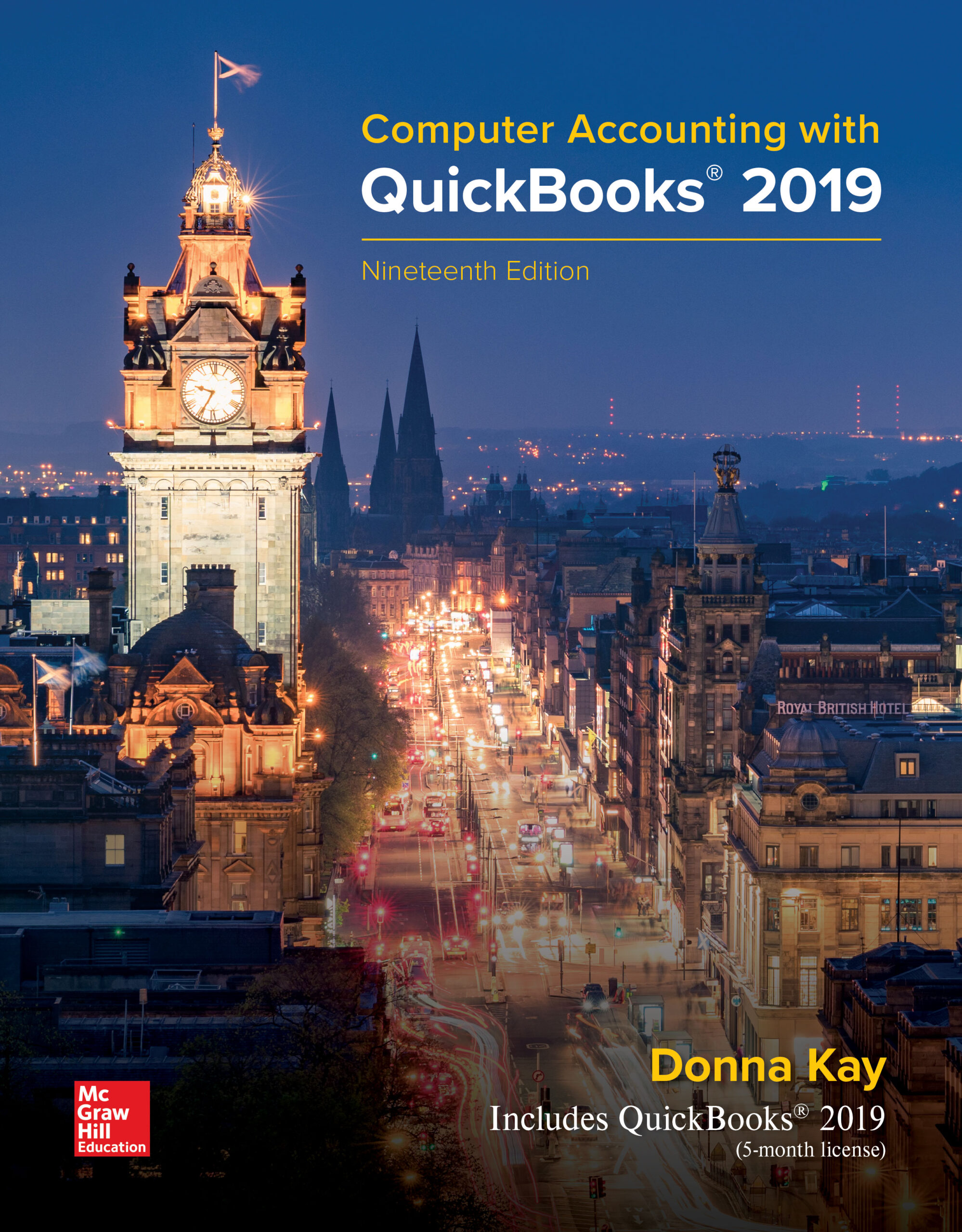
Computer Accounting with QuickBooks 2019 Donna Kay 19e - Test Bank

Computer Accounting with QuickBooks 2019 Donna Kay 19e - Test Bank   Instant Download - Complete Test Bank With Answers     Sample Questions Are Posted Below   Computer Accounting with QuickBooks 2019, 19e (Kay) Chapter 5  Customers and Sales   1) To record a customer sale on account, select: A) Create Purchase Order B) …

$19.99

Computer Accounting with QuickBooks 2019 Donna Kay 19e – Test Bank


Instant Download – Complete Test Bank With Answers


Sample Questions Are Posted Below


Computer Accounting with QuickBooks 2019, 19e (Kay)

Chapter 5  Customers and Sales


1) To record a customer sale on account, select:

  1. A) Create Purchase Order
  2. B) Sales Receipts
  3. C) Create Estimates
  4. D) Create Invoices


Answer:  D

Difficulty: 1 Easy

Learning Objective:  05-07 Customer Invoices

Accessibility:  Keyboard Navigation; Screen Reader Compatible

Gradable:  automatic


2) When recording a customer payment from a credit sale, select:

  1. A) Create Invoice > Customer Payment > Customer & Job Name
  2. B) Receive Payment > Customer & Job Name
  3. C) Make Deposit > Customer & Job Name
  4. D) Create Sales Receipt > Record Deposits


Answer:  B

Difficulty: 2 Medium

Learning Objective:  05-07 Customer Invoices

Accessibility:  Keyboard Navigation; Screen Reader Compatible

Gradable:  automatic


3) When recording a customer payment from a cash sale, select:

  1. A) Create Invoice > Customer Payment > Customer Name Only
  2. B) Make Deposit
  3. C) Create Sales Receipt > Record Deposits
  4. D) Receive Payment > Customer & Job Name


Answer:  C

Difficulty: 2 Medium

Learning Objective:  05-06 Customer Sales Receipts

Accessibility:  Keyboard Navigation; Screen Reader Compatible

Gradable:  automatic


4) The Customers List in QuickBooks can be accessed from all of the following except:

  1. A) Vendor section of the Home Page
  2. B) Customers section of the Home Page
  3. C) Customers Menu
  4. D) Customers Center


Answer:  A

Difficulty: 1 Easy

Learning Objective:  05-04 Customer Lists

Accessibility:  Keyboard Navigation; Screen Reader Compatible

Gradable:  automatic


5) To record a sales transaction, use:

  1. A) Create Purchase Order > Receive Payment > Make Deposit
  2. B) Create Invoices > Receive Payment > Make Deposits
  3. C) Create Invoices > Create Sales Receipts > Make Deposits
  4. D) Receive Payment > Create Sales Receipts > Make Deposits


Answer:  B

Difficulty: 2 Medium

Learning Objective:  05-07 Customer Invoices

Accessibility:  Keyboard Navigation; Screen Reader Compatible

Gradable:  automatic


6) Credit sales to customers are:

  1. A) Recorded using the Enter Bills window
  2. B) Recorded in a Credit Card Sales window
  3. C) Recorded using the Create Sales Receipts window
  4. D) Recorded using a Create Invoices window


Answer:  D

Difficulty: 1 Easy

Learning Objective:  05-07 Customer Invoices

Accessibility:  Keyboard Navigation; Screen Reader Compatible

Gradable:  automatic


7) What QuickBooks activity comes next in this series of business activities?

Create Invoice > Receive Payments > ________

  1. A) Make Deposit
  2. B) Create Sales Receipts
  3. C) Pay Bills
  4. D) Receive Undeposited Funds


Answer:  A

Difficulty: 1 Easy

Learning Objective:  05-07 Customer Invoices

Accessibility:  Keyboard Navigation; Screen Reader Compatible

Gradable:  automatic


8) When a credit sale is recorded on an invoice, QuickBooks records:

  1. A) An increase to Sales and a decrease to Accounts Receivable
  2. B) An increase to Sales and an increase to Accounts Receivable
  3. C) An increase to Sales and an increase to Accounts Payable
  4. D) A decrease to Sales and a decrease to Accounts Payable


Answer:  B

Difficulty: 3 Hard

Learning Objective:  05-07 Customer Invoices

Accessibility:  Keyboard Navigation; Screen Reader Compatible

Gradable:  automatic


9) All the reports below provide information about customer and job profitability, except:

  1. A) Job Profitability Detail
  2. B) Income by Customer Summary
  3. C) Income by Customer Detail
  4. D) Customer Detail List


Answer:  D

Difficulty: 2 Medium

Learning Objective:  05-08 Customer Reports

Accessibility:  Keyboard Navigation; Screen Reader Compatible

Gradable:  automatic


10) Which report provides information to help in tracking accounts receivable?

  1. A) Customers with Open Invoices
  2. B) Accounts Receivable Aging Detail
  3. C) Collections Reports
  4. D) All of the choices are correct


Answer:  D

Difficulty: 2 Medium

Learning Objective:  05-08 Customer Reports

Accessibility:  Keyboard Navigation; Screen Reader Compatible

Gradable:  automatic


11) Sales in QuickBooks can be recorded with all the following means of payment except:

  1. A) Cash
  2. B) Check
  3. C) Credit Card
  4. D) Purchase Order


Answer:  D

Difficulty: 1 Easy

Learning Objective:  05-05 Recording Sales Transactions

Accessibility:  Keyboard Navigation; Screen Reader Compatible

Gradable:  automatic


12) To increase collections of payments, you can use all the following QuickBooks features, except:

  1. A) Accounts Receivable Aging Report
  2. B) Customers with Open Invoices Report
  3. C) Collections Report
  4. D) Accounts Payable Aging Report


Answer:  D

Difficulty: 2 Medium

Learning Objective:  05-08 Customer Reports

Accessibility:  Keyboard Navigation; Screen Reader Compatible

Gradable:  automatic


13) To create the Income by Customer Summary report:

  1. A) Select Reports Center > Customer & Sales
  2. B) Select Customers Center > Income by Customer
  3. C) Select Company Center > Customers & Sales
  4. D) Select Reports Center > Company & Financials


Answer:  D

Difficulty: 2 Medium

Learning Objective:  05-08 Customer Reports

Accessibility:  Keyboard Navigation; Screen Reader Compatible

Gradable:  automatic


14) Which one of the following activities is not shown in the Customers section of the Home Page?

  1. A) Receive Payments
  2. B) Pay Bills
  3. C) Create Invoices
  4. D) Create Sales Receipts


Answer:  B

Difficulty: 2 Medium

Learning Objective:  05-03 Customer Navigation

Accessibility:  Keyboard Navigation; Screen Reader Compatible

Gradable:  automatic


15) To add a new job to the Customers List:

  1. A) Select Customers Menu > Click Add Job
  2. B) Select Customers Center window > Click New Customer & Job
  3. C) Select the Customers List icon from the Customers section of the Home Page
  4. D) Select Reports Center > Add Customer


Answer:  B

Difficulty: 2 Medium

Learning Objective:  05-04 Customer Lists

Accessibility:  Keyboard Navigation; Screen Reader Compatible

Gradable:  automatic


16) The Job Profitability Summary Report is accessed from the:

  1. A) Reports Center
  2. B) Vendor Center
  3. C) Employee Center
  4. D) Company Center


Answer:  A

Difficulty: 2 Medium

Learning Objective:  05-08 Customer Reports

Accessibility:  Keyboard Navigation; Screen Reader Compatible

Gradable:  automatic


17) To create the Aging of Accounts Receivable report:

  1. A) Select Customers Center > Customers & Receivables
  2. B) Select Company Center > Customers & Receivables
  3. C) Select Reports Center > Customers & Receivables
  4. D) Select Reports Center > Company & Financials


Answer:  C

Difficulty: 2 Medium

Learning Objective:  05-08 Customer Reports

Accessibility:  Keyboard Navigation; Screen Reader Compatible

Gradable:  automatic


18) The Undeposited Funds account contains:

  1. A) Only partial payments received from customers
  2. B) Funds received from customers but not deposited in the bank
  3. C) Funds the company owes vendors
  4. D) Petty Cash funds


Answer:  B

Difficulty: 3 Hard

Learning Objective:  05-07 Customer Invoices

Accessibility:  Keyboard Navigation; Screen Reader Compatible

Gradable:  automatic


19) When an invoice is created in QuickBooks using the Create Invoices window, QuickBooks:

  1. A) Decreases a Sales account and decreases the Checking account
  2. B) Increases a Sales account and increases the Accounts Receivable account
  3. C) Increases the Accounts Receivable account and increases the Checking account
  4. D) Decreases the Accounts Payable account and increases the Checking account


Answer:  B

Difficulty: 3 Hard

Learning Objective:  05-07 Customer Invoices

Accessibility:  Keyboard Navigation; Screen Reader Compatible

Gradable:  automatic


20) The journal entry behind the screen that QuickBooks creates when a customer’s payment is received and recorded using the Receive Payment window includes:

  1. A) Debit Accounts Receivable; Credit Checking account
  2. B) Debit Checking account; Credit Accounts Receivable
  3. C) Debit Undeposited Funds account; Credit Accounts Receivable
  4. D) Debit Accounts Receivable; Credit Undeposited Funds account


Answer:  C

Difficulty: 3 Hard

Learning Objective:  05-07 Customer Invoices

Accessibility:  Keyboard Navigation; Screen Reader Compatible

Gradable:  automatic


21) Briefly explain the difference between creating a sales receipt and creating an invoice.


Answer:  Creating a sales receipt is used when a customer pays for their goods or services at the time goods or services are provided. This is typically called a cash sale. Creating an invoice is used when the customer will pay at a later date after the goods or services are provided and will be recorded in the Receive Payment window. This is typically called a credit sale.

Difficulty: 2 Medium

Learning Objective:  05-06 Customer Sales Receipts; 05-07 Customer Invoices

Accessibility:  Keyboard Navigation; Screen Reader Compatible

Gradable:  manual


22) Name 3 (three) reasons why a job for a customer might be pending.


Answer:  A job can be pending because it is waiting on another condition to be met such as delivery of required parts, the contract is created but not signed, or to record customer charges as work is being performed but before final billing.

Difficulty: 3 Hard

Learning Objective:  05-07 Customer Invoices

Accessibility:  Keyboard Navigation; Screen Reader Compatible

Gradable:  manual


23) List two different methods of accounting for bad debts (uncollectible accounts) and briefly explain how the two methods differ.


Answer:  Two methods that can be used to account for bad debts are:


  1. Direct write-off method. This method records bad debt expense when it becomes apparent that the customer is not going to pay the amount due. If the direct write-off method is used, the customer’s uncollectible account receivable is removed and bad debt expense is recorded at the time a specific customer’s account becomes uncollectible. The direct write-off method is used for tax purposes.
  2. Allowance method. The allowance method estimates bad debt expense and establishes an allowance or reserve for uncollectible accounts. When using the allowance method, uncollectible accounts expense is estimated in advance of the write-off. The estimate can be calculated as a percentage of sales or as a percentage of accounts receivable. (For example, 2% of credit sales might be estimated to be uncollectible.) This method should be used if uncollectible accounts have a material effect on the company’s financial statements used by investors and creditors.

Difficulty: 3 Hard

Learning Objective:  05-10 Accounting Essentials: Customer Sales and Accounts Receivable

Accessibility:  Keyboard Navigation; Screen Reader Compatible

Gradable:  manual

Additional information

Add Review

Your email address will not be published. Required fields are marked *